Library · helloim.ai
An AI assistant that lives on your computer, not in a browser tab.
helloim.ai is a free Windows app from vDesktop. You talk to it out loud or type. It remembers what you tell it, works with the tools you connect, and runs on the AI you choose.
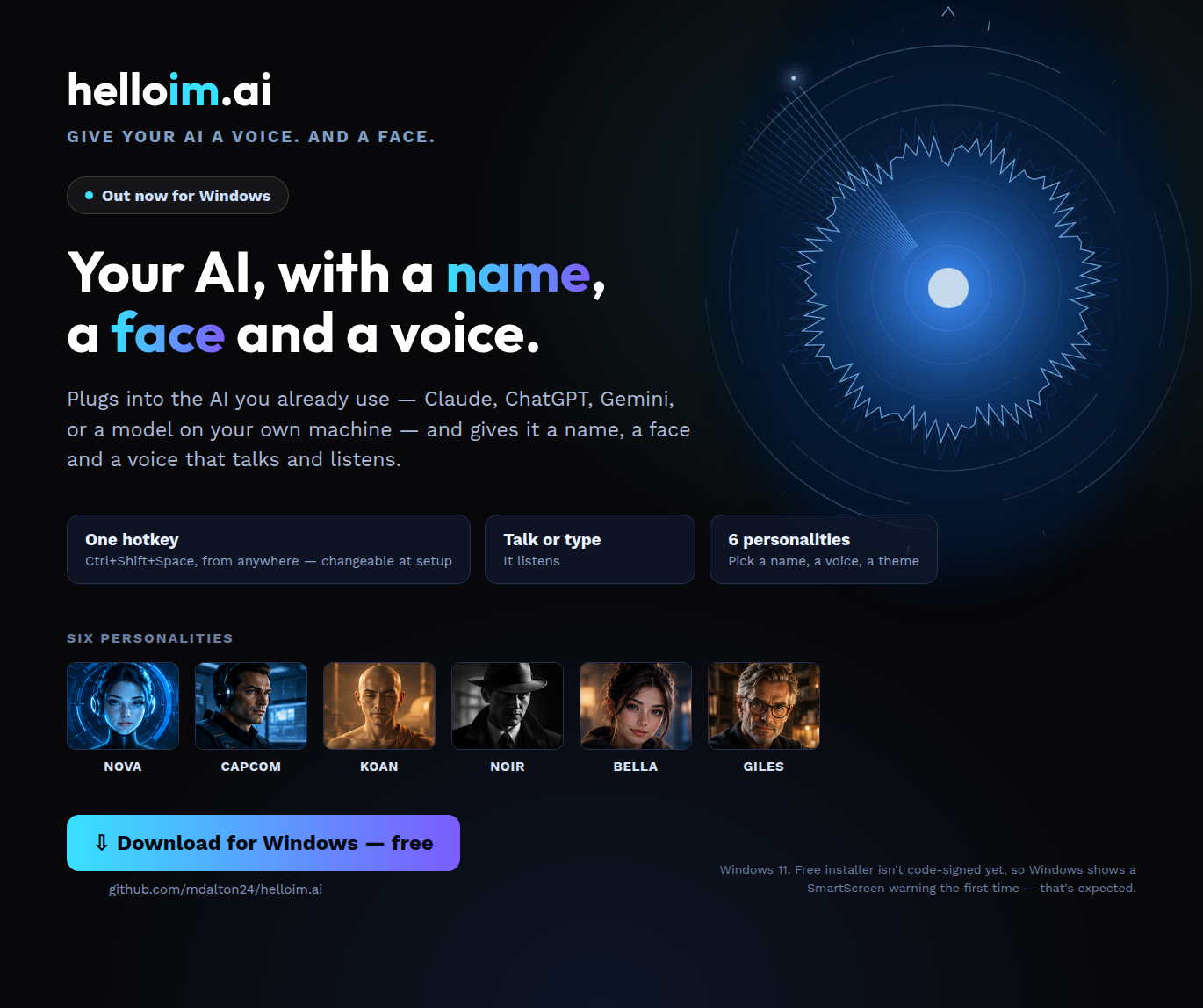
What it does
- Talks back. Natural voices that run on your own machine.
- Remembers. A memory of what you’ve told it, so you don’t start from zero every time.
- Connects. Plug in the tools you already use.
- Takes on tasks. Hand it jobs and see them in one place.
- Your choice of AI. Claude, a model running on your own computer, or another compatible service. Claude and other services use your own account with them; a model on your own computer needs no extra account.
- Keeps a log. Your conversations are there to look back on.
About privacy, stated exactly
Your private AI data doesn’t leave your machine. That covers its memory, its persona and the local AI.
Some things do use the internet, and you should know which:
- Voice input on Windows uses an online speech service. Typing doesn’t.
- Your AI. If you choose Claude or another online AI, what you say to it goes to that service.
- Sync between devices is off unless you turn it on. If you do, your data is stored encrypted, per user.
- You need an account to use the app.
Before you install
- Windows only.
- It’s source-available: the code is published under MIT with the Commons Clause.
Windows will show a SmartScreen warning before it runs. The installer isn’t code-signed yet. Updates are signature-checked; the installer itself isn’t. Choose More info, then Run anyway, only if you downloaded it from helloim.ai.
How it was built
Built by AI agents and checked by separate ones. It was held back from release on one check that hadn’t run end to end, and released only after that check passed. The full record covers what broke, what caught it, and the one check it waited on.