Library
Two things we built, so you can see what this looks like for real.
The library holds what we’ve made with the same methods the course teaches: a free app, and the AI employees you learn to build and run. Each one is here with what it does and who it’s for.
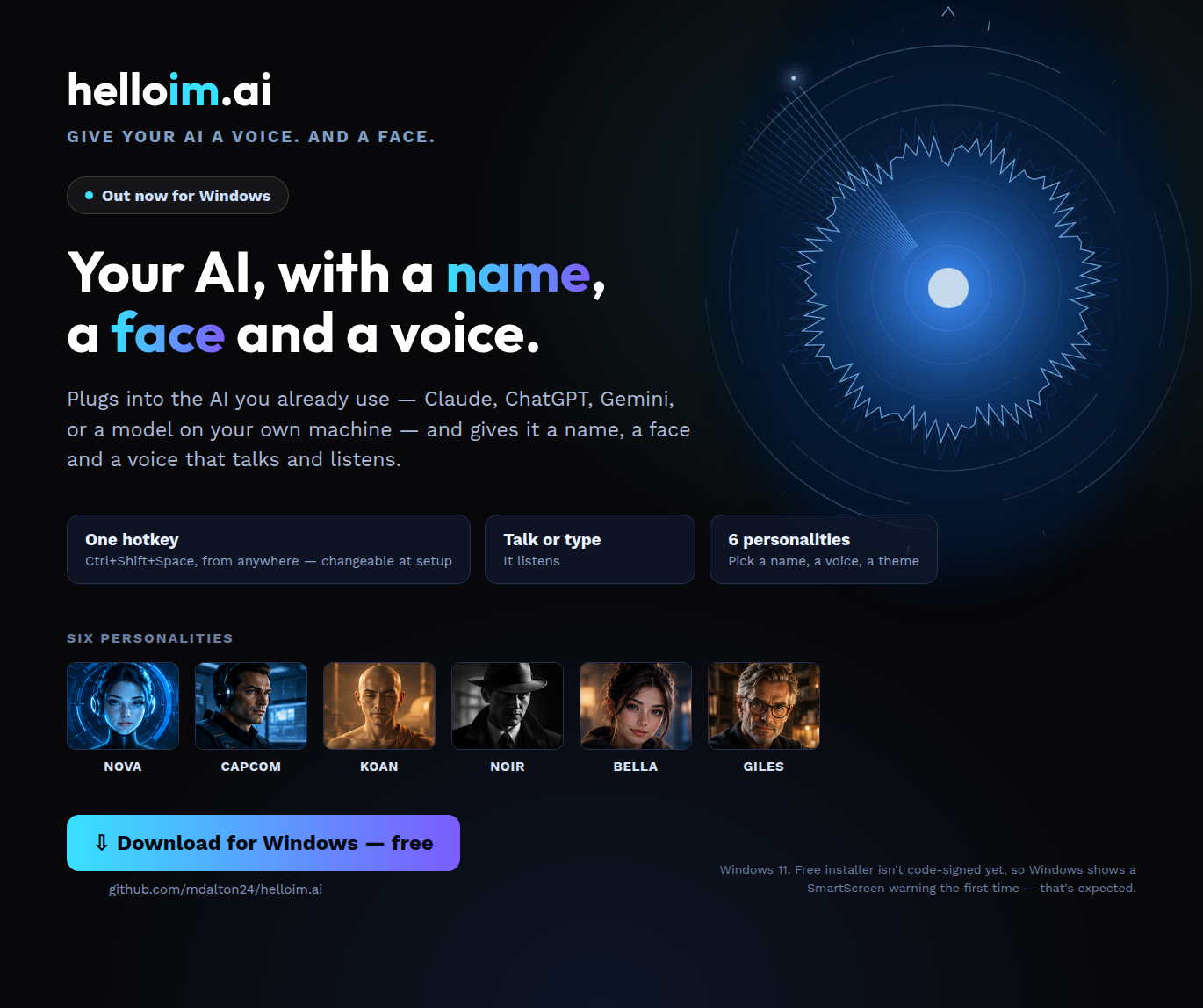
Windows app
helloim.ai, our free Windows app
A desktop AI assistant that you talk to, give a name and a voice, and connect to your own tools. It lives on your computer, not in a browser tab.
For people who want an assistant on their desktop, running on the AI they choose.
- Talks back. Natural voices that run on your own machine.
- Remembers. What you’ve told it, so you don’t start from zero each time.
- Your choice of AI. Claude, a model on your own computer, or another compatible service.
- Private by default. Its memory and persona stay on your machine; the page says exactly what does use the internet.
FreeWindowsVersion 1.6.1Source-availableAccount required
AI employees
The AI employees library
Each role has one job: what it does, what it drafts for you, what it never does, and how its first week goes.
For small-business owners who want a repeat chore done every week, with drafts waiting and the send still theirs.
- Roles across every area of a business, from launching your offer to the weekly numbers.
- You decide how far each role goes, and you can start at draft-only: it drafts, you send.
- Each role says what it never does.
- Each role has a first week laid out day by day, ending with you deciding whether a low-risk job can move up to Supervised.
- 5Marketing & Content
- 3Sales & Client Development
- 3Operations & Project Delivery
- 2Finance & Admin
- 2Customer Success
- 2Strategy & Research
- 5Technical / Build
Not sure where to start?
Ask Bella, our AI assistant, where to start. Or create your free account.